Receive and send
Ğ1 libre currency
Choose the version for your system
All versionsCesium is free software distributed<br /> under GNU AGPL-3.0 licence
Other systems and variants

Android
Install directly with the .apk file, including on /e/OS

iPhone
Available in the App Store
macOS · Apple Silicon
macOS application for Macs with Apple Silicon chips (M1 and later)
macOS · Intel
macOS application for Macs with Intel processors

Linux · AppImage
Portable application for Linux x86_64
Ubuntu / Debian
.deb package for Debian and its derivatives (Ubuntu, Linux Mint, etc.)
Windows
.exe installer for Windows
Launch .exe file and follow onscreen instructions

Web
To install on a web server

All versions
All versions available on GitLab
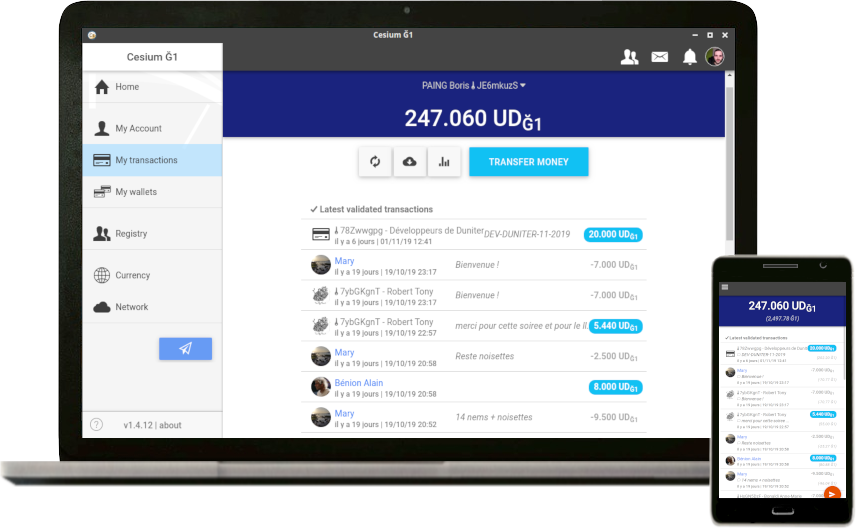
Cesium is the simple solution
to make exchanges using libre money
- Secured
- Cesium digitally sign your transactions before sending them to the Duniter blockchain.
- It's on us ;-)
- Because it is programmed with love by a community of people who believe in libre moneys in general (and in the Ğ1 in particular), Cesium is given to you without demanding any counter-part.
- You are Free too
- Cesium is a free software.This means you can have a look at its source code (on GitLab) and adapt it to your need in order, for instance, to provide a client for your own libre currency.
Only a few clicks left
before you can get your first Ğ1
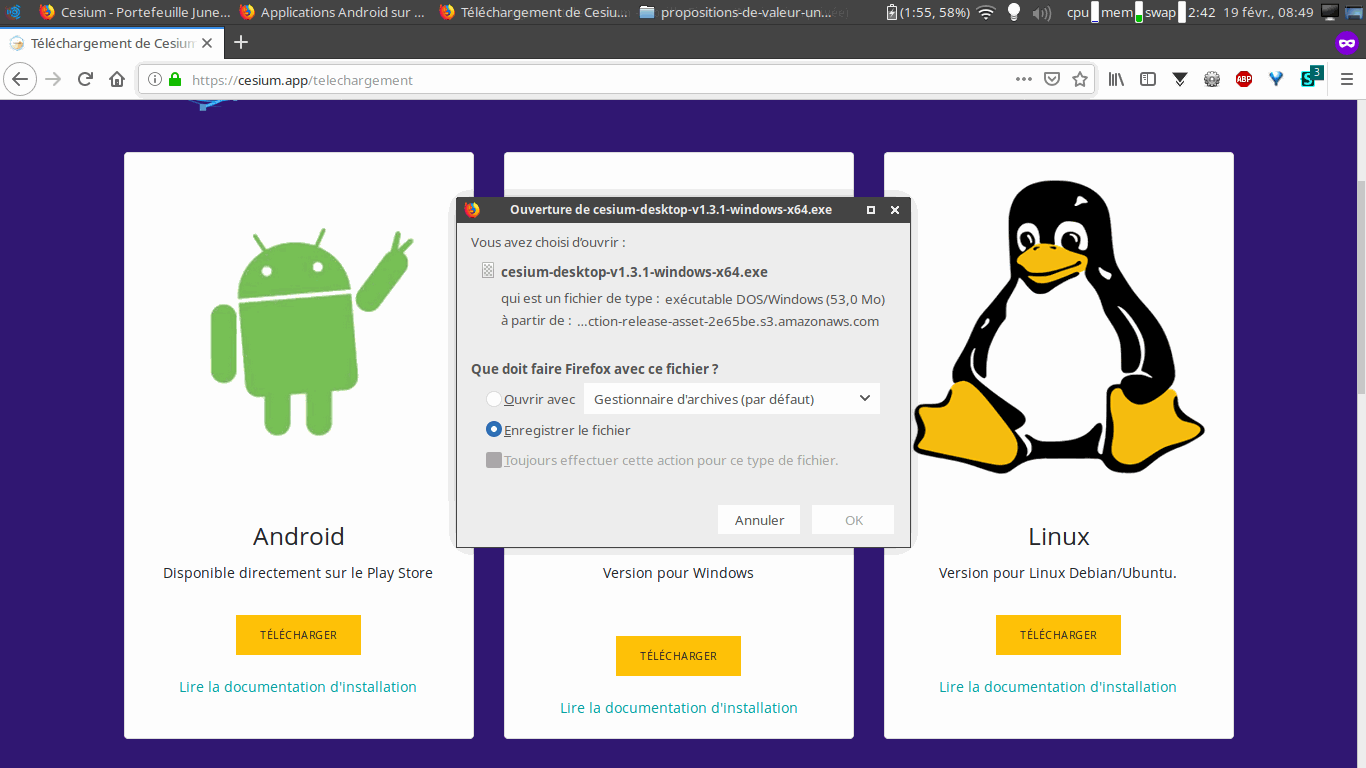
1. Download Cesium
Go to the Download page to get the file that suits your operating system.
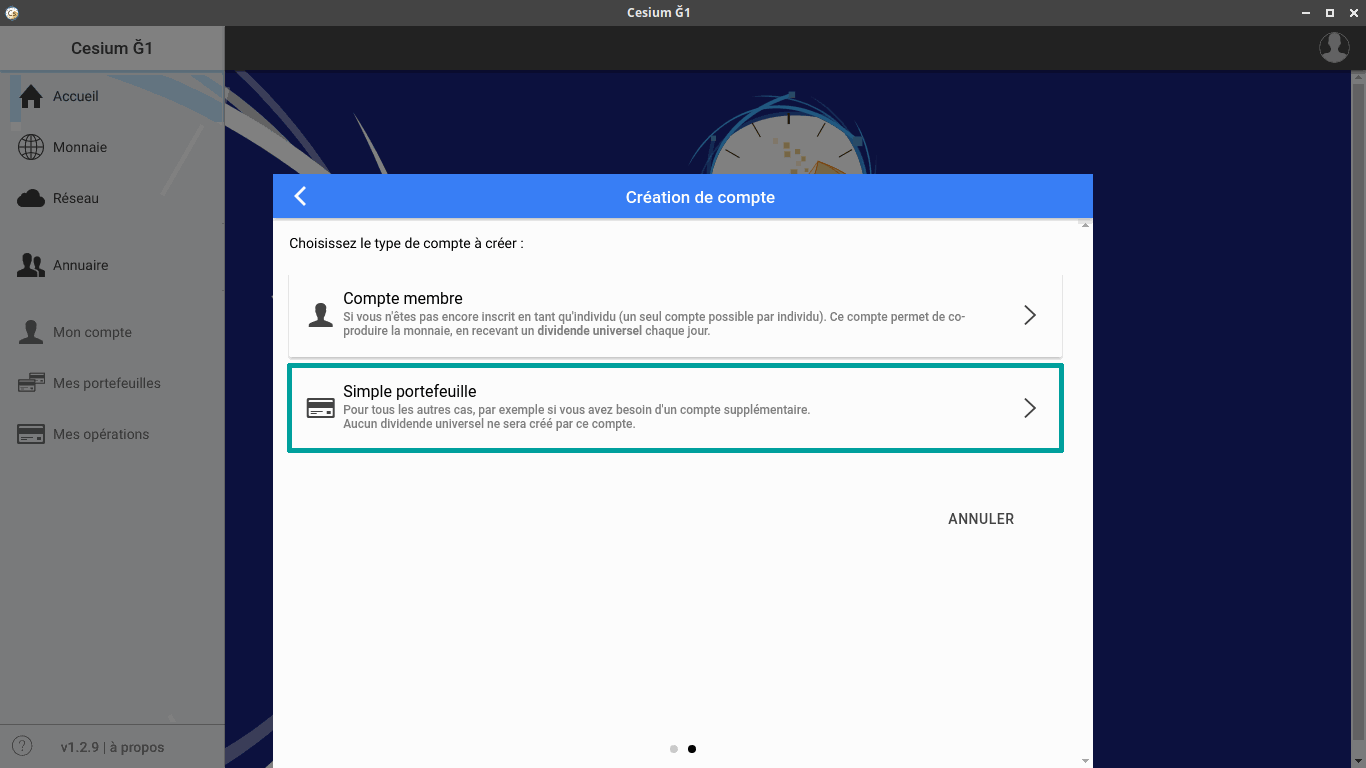
2. Create an account
On Cesium home screen, click "Create an account", then "Start" and finally choose "Simple wallet" for a start.
Choose secret id and password. Make sure to memorize them correctly because you won't be able to get them back if you forget them.
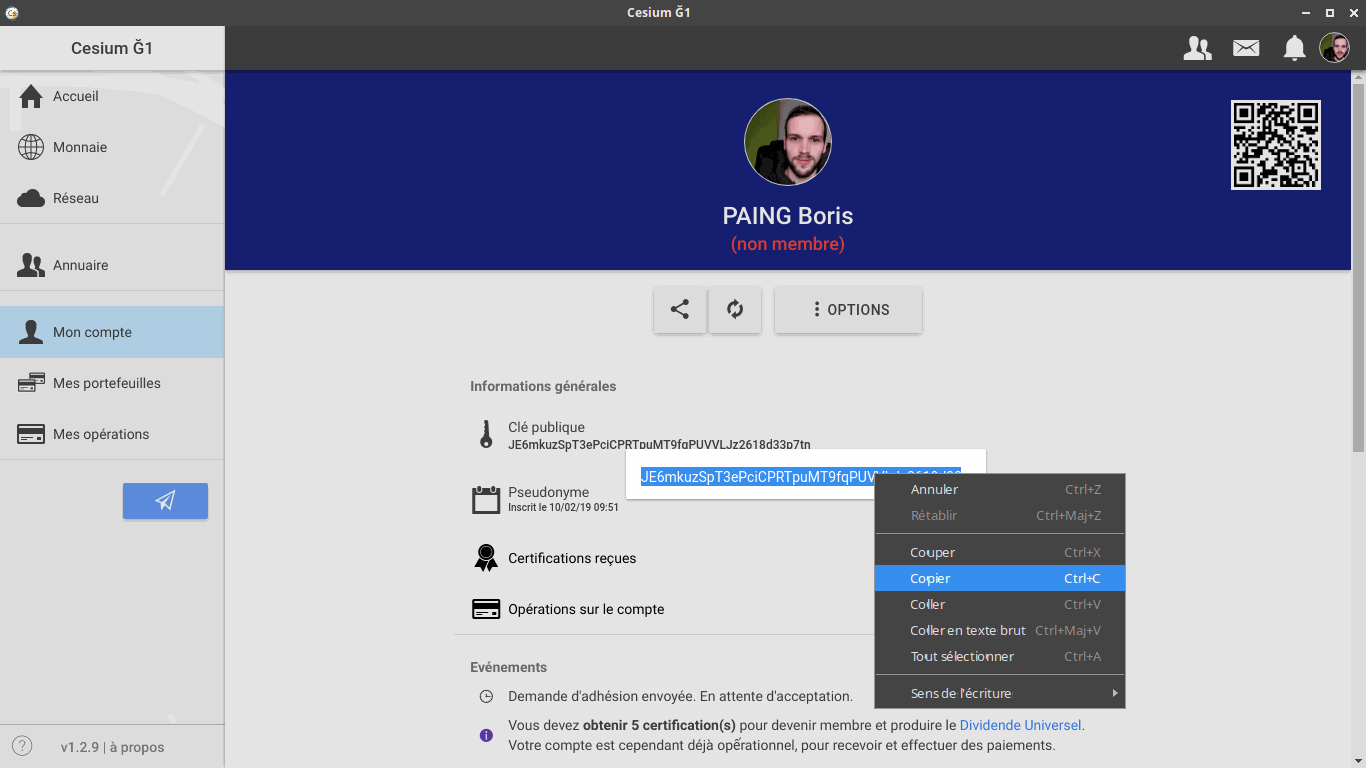
3. Start receiving payments
Click on your public key ; it will be automatically copied to your clipboard. Then simply paste it to the user who wants to transfer Ğ1 to you.
Cesium around the world